
一、实现iMessage蓝号数据筛选的两种方式:
1.人工筛选,将要验证的号码输出到文件中,以逗号分隔。再将文件中的号码粘贴到iMessage客户端的地址栏,iMessage客户端会自动逐个检验该号码是否为iMessage账号,检验速度视网速而定。红色表示不是iMessage账号,蓝色表示iMessage账号。
2.编写协议版程序通过iMessage应用进行验证(全自动无痕迹检测,无需人工干预),程序捕获失败则不是iMessage账号,捕获到成功则把数据保存下来。
二、协议版iMessage蓝号检测
以下是关于如何无痕检测数据是否imessage的程序代码,蓝号数据自动保存( TG公群频道: https://t.me/iMqunfa666 )
1.imessge蓝号检测代码:
-- 无痕检测是否开启imesaage
startApp()--执行主程序
on startApp()tell application "Finder" to activatetell application "Finder"set chosenfile to (choose file)end telltell application "Messages"tell application "Messages" to activateset phoneData to read chosenfileset cards to paragraphs of phoneDatarepeat with phone in cards--set msgText to (my AppendFace(" "))-- 假如字符串大于0,则草率判定是手机号set num to the length of phoneif (num > 0) then--执行检测my sendMsg(phone)delay 1end ifend repeatdisplay dialog "恭喜,数据已全部检测完毕!"end tell
end startApp# 开始检测
on sendMsg(phone)tell application "Messages" to activatetell application "System Events"tell process "Messages"tell window 1--核心代码,省略.........if static text of sheet 1 of window "信息" of application process "Messages" of application "System Events" exists then--对未启用imessage的手机号码进行记录my WritePhone(phone, "未开启im的数据.txt")else--对已启用imessage的手机号码进行记录my WritePhone(phone, "已开启im的数据.txt")end ifdelay 0.2key code 76end tellend tellend tell
end sendMsg-- 记录有效手机号
on WritePhone(the_phone, file_name)set num to the length of the_phoneif (num > 0) thenset fileName to date string of (current date)set logFilePath to my current_folder_path() & "send/" & file_nameset this_file to (POSIX file logFilePath as string)set this_story to the_phone & "
"tryset fp to open for access this_fileset myText to read fpif (myText does not contain the_phone) thenmy write_to_file(this_story, this_file, true, true)end ifon errormy write_to_file(this_story, this_file, true, true)end tryend if
end WritePhone-- 写入文件
on write_to_file(this_data, target_file, append_data, append_end)tryset the target_file to the target_file as textset the open_target_file to ¬open for access file target_file with write permissionif append_data is false thenset eof of the open_target_file to 0write this_data to the open_target_file starting at eofelse if append_end is false thentryset fp to open for access target_fileset myText to read fpset eof of the open_target_file to 0write this_data to the open_target_file starting at eofwrite myText to the open_target_file starting at eofon errorwrite this_data to the open_target_file starting at eofend tryelsewrite this_data to the open_target_file starting at eofend ifclose access the open_target_filereturn target_fileon errortryclose access file target_fileend tryreturn falseend try
end write_to_file-- 获取当前文件的父文件夹路径
on current_folder_path()set UnixPath to POSIX path of ((path to me as text) & "::")return UnixPath
end current_folder_path
2.电脑版虚拟机Mac OS系统上的检测程序,全自动无痕检测手机号或邮箱是否开通imessage(全自动无痕检测,自动保存已开启和未开启的im数据)
3.Windows系统上多线程imessage蓝号检测协议版(无需app id激活,24小时挂机全自动无痕检测,检测结果自动保存)

4.协议通道版imessage蓝号检测,支持多窗口同时运行筛选(支持在Windows/Mac/Linux平台下运行,无需APP ID,全自动无痕检测,检测结果自动保存!)
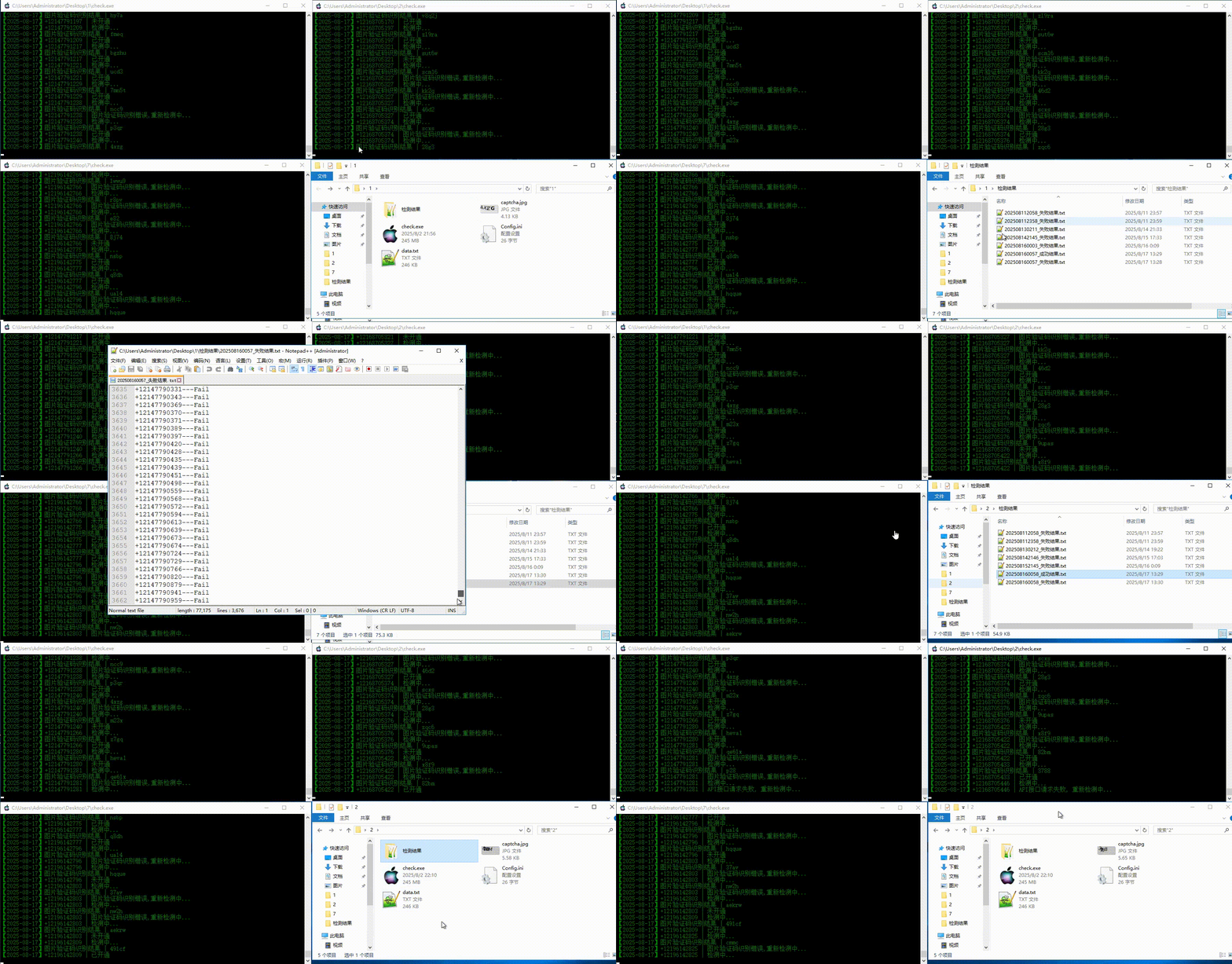
5.iPhone手机上的检测程序,全自动无痕检测数据手机号是否开通imessage(全自动无痕检测,检测结果自动保存)